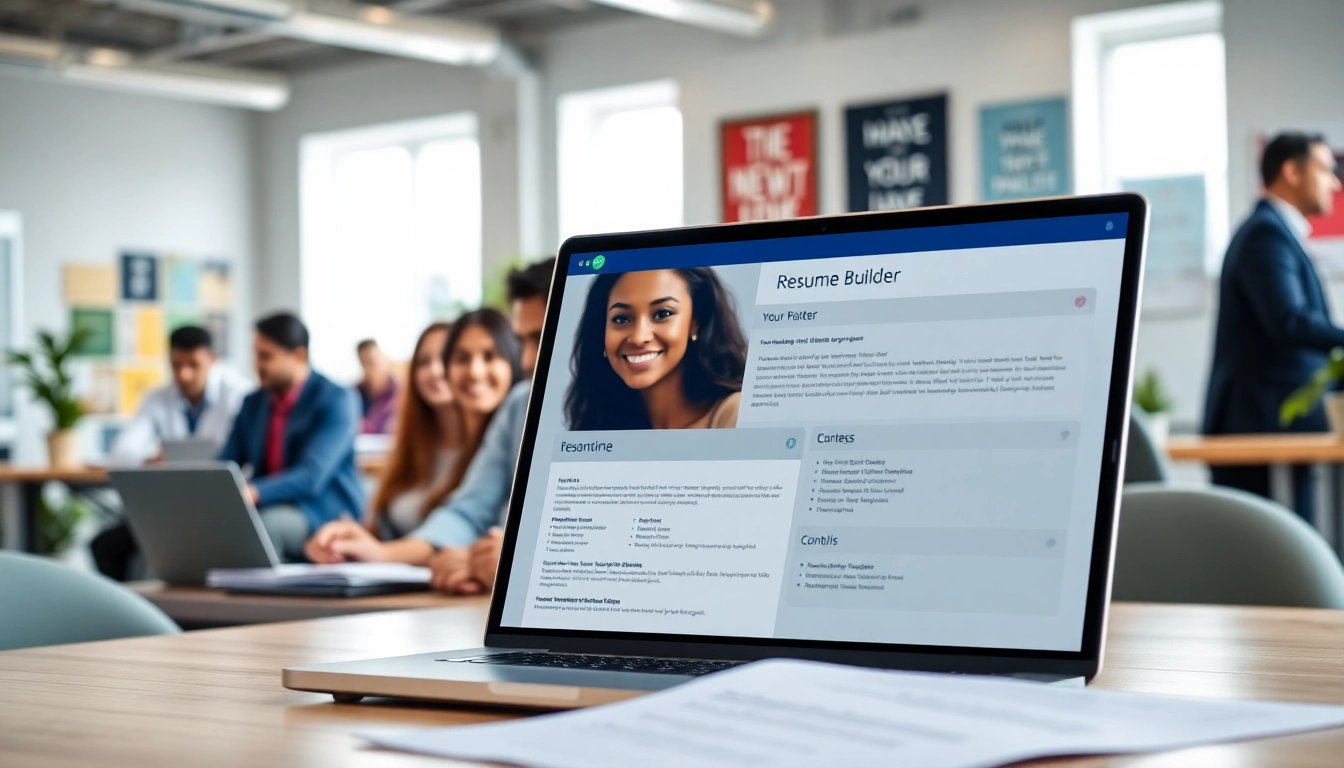
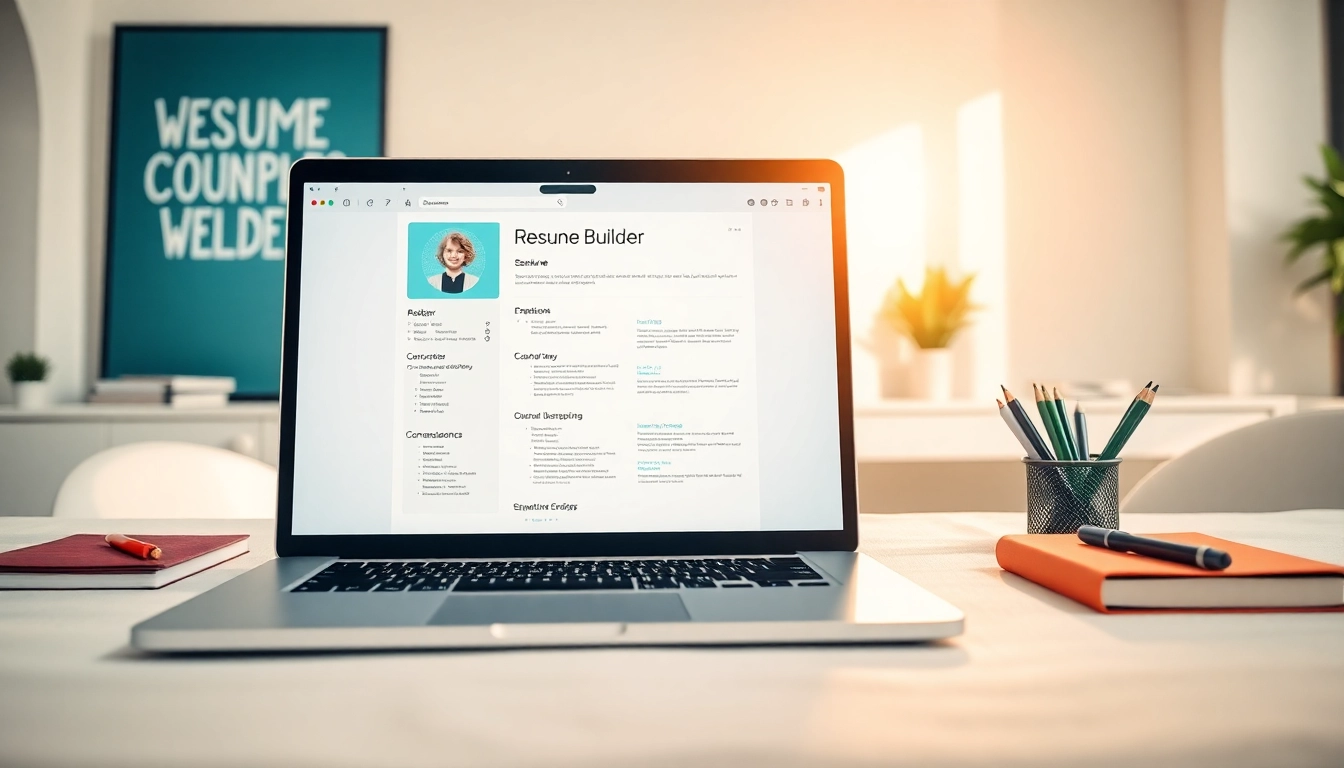
Introduction to the Resume Builder
The job market is more competitive than ever, and a standout resume is crucial for securing interviews. A Resume Builder allows individuals to craft professional, eye-catching resumes tailored to specific job opportunities. By utilizing such tools, candidates can streamline the resume creation process, ensuring they present their skills and experiences in the best possible light.
What is a Resume Builder?
A resume builder is an online tool designed to assist job seekers in creating professional resumes quickly and easily. It typically offers various templates, formats, and customization options, helping users organize their information effectively. Many resume builders also provide guidance on writing compelling content and optimizing for job applications, enhancing the chances of landing an interview. These tools cater to individuals with varying levels of experience, from students entering the job market to seasoned professionals seeking new opportunities.
Importance of a Strong Resume
A strong resume serves as your first impression in the job application process. It showcases your qualifications, skills, and experiences, establishing your credibility as a candidate. A well-crafted resume can differentiate you from competitors, highlight your unique value proposition, and significantly increase your chances of being invited for an interview. Employers often receive numerous applications for each position, making a strong resume essential in capturing their attention within a short timeframe.
Overview of Resume Builder Features
Most resume builders come equipped with a variety of features aimed at simplifying the resume creation process. Common features include:
- Templates: A wide selection of professional designs that suit different industries and styles.
- Customization Options: Users can modify text, colors, fonts, and layouts to create a personalized look.
- Guidance Tools: Tips and content suggestions provided to help users articulate their experiences effectively.
- Keyword Optimization: Features that suggest relevant keywords to enhance ATS (Applicant Tracking System) compatibility.
- Download Formats: Options to save resumes in various formats such as PDF, DOCX, or TXT for easy sharing.
Choosing the Right Template for Your Resume Builder
Popular Template Styles
When selecting a template for your resume, it’s vital to consider both aesthetics and functionality. Popular styles include:
- Chronological: Focuses on work history, suitable for those with strong career progression.
- Functional: Emphasizes skills and experience over a traditional job history, ideal for career changers.
- Combination: Merges chronological and functional styles, showcasing relevant skills while detailing employment history.
- Creative: Features a unique design and layout, suitable for artistic and design-oriented fields.
How to Customize Templates
Customizing a resume template is essential to ensure that it aligns with your personal brand. Here’s how you can tailor a template:
- Change the Color Scheme: Select colors that reflect your personality but maintain professionalism.
- Modify Fonts: Choose modern, readable fonts that match the tone of your industry.
- Alter Layout: Adjust the arrangement of sections for better readability and to emphasize critical information.
- Include Personal Elements: Add a brief personal statement or logo to make the resume more memorable.
Matching Templates with Job Types
Selecting the right resume template can depend on the job type you’re targeting. For example:
- For corporate roles, opt for a clean, professional design.
- In creative fields such as design or marketing, a more visually engaging template can help you stand out.
- Technical positions may benefit from templates focusing on skills and certifications.
Crafting Content Using the Resume Builder
Key Sections of a Successful Resume
A successful resume contains several essential sections:
- Contact Information: Include your name, phone number, email, and LinkedIn profile.
- Professional Summary: A brief overview highlighting your experience and key accomplishments.
- Work Experience: Detailed descriptions of previous roles, showcasing responsibilities and achievements.
- Education: Information about your degrees, certifications, and relevant coursework.
- Skills: A comprehensive list of your technical and soft skills relevant to the job.
Language and Tone Considerations
The language used in your resume should be professional yet approachable. Consider the following tips:
- Use clear, concise language to convey your experiences and achievements.
- Avoid jargon or overly technical terms unless necessary for the job.
- Maintain a confident tone without being overly boastful.
Utilizing Keywords Effectively
Incorporating relevant keywords is vital for ensuring your resume is noticed by both ATS and hiring managers. Here’s how to do it:
- Analyze Job Descriptions: Identify key phrases and terms frequently used in job postings for your desired positions.
- Integrate Keywords Naturally: Include these terms in context within your experience and skills sections.
Enhancing Your Resume Using the Resume Builder
Incorporating Action Words
Action words can significantly enhance the impact of your resume. Examples include:
- Developed
- Implemented
- Facilitated
- Achieved
Using these verbs helps convey your contributions and showcases your role in achieving results.
Highlighting Achievements and Skills
Instead of merely listing job duties, emphasize specific achievements. For example, instead of stating you “managed a team,” consider specifying “managed a team of 10 to exceed sales targets by 25%.”
Tools for Proofreading and Feedback
After crafting your resume, utilizing tools for proofreading and feedback can enhance its quality. Consider the following:
- Online grammar checkers for eliminating errors.
- Peer reviews to gather feedback and gain perspective.
- Professional services for comprehensive evaluations.
Common FAQs About the Resume Builder
How to Use the Resume Builder?
Using a Resume Builder is straightforward. Choose a template, input your information into designated sections, customize as needed, and download your finished resume.
Can I Save and Edit My Resume Later?
Most resume builders allow you to save your work and edit it later, making it easy to update your resume as your career evolves.
Are There Examples Available Within the Resume Builder?
Yes, many Resume Builders offer sample resumes that provide inspiration and guidance on how to structure your content effectively.
What Formats Can I Download My Resume As?
Typically, you can download your resume in various formats including PDF, DOCX, and TXT, allowing for flexibility in submission.
Is There Customer Support for Resume Builder Users?
Most platforms provide customer support to assist users with technical questions or issues related to the resume-building process.